
Grey T-shirt character swap
01Source Video
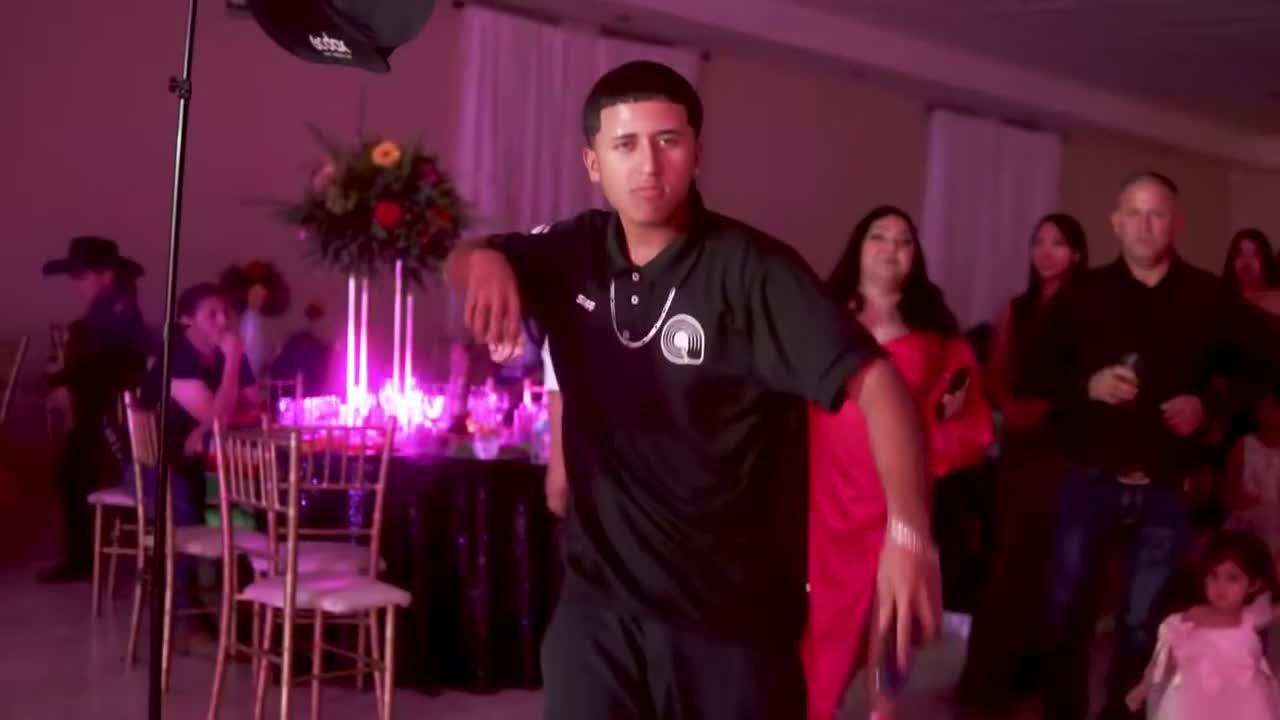
02Character Photo

03Swapped AI Video
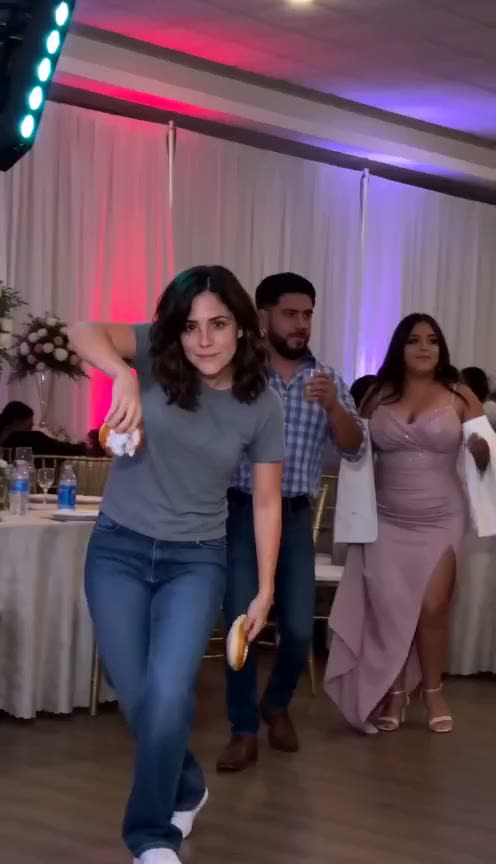
Source preview is muted—play the swapped video to hear the original audio. Fine details like framing and fabric folds may vary slightly between AI takes.
AI MOTION TRANSFER · FULL-BODY VIDEO TO CHARACTER
Upload a source video and one or two character photos. Transfer real body rhythm, gestures, and camera movement onto your character with original audio preserved.
VERIFIED MOTION TRANSFER
See how real human choreography, camera movement, and timing transfer from a reference video onto a new character image with original audio intact.
01Source Video
02Character Photo
03Swapped AI Video
Source preview is muted—play the swapped video to hear the original audio. Fine details like framing and fabric folds may vary slightly between AI takes.
Verified outputs rendered through our production character-swap pipeline.
THREE-STEP MOTION TRANSFER
Upload an MP4, MOV, or WebM video showing the dance, walk, gesture, or performance you want to replicate. Trim the cleanest segment locally in your browser without waiting for a server upload.
Add a sharp photo of the person, cosplay outfit, or original character you want to animate. For two-person choreography, switch to the Two People mode and assign left and right photos.
Choose your output quality and click Generate. We transfer the motion onto your character, merge the original soundtrack into the MP4, and keep your source clip in Saved Clips for future takes.
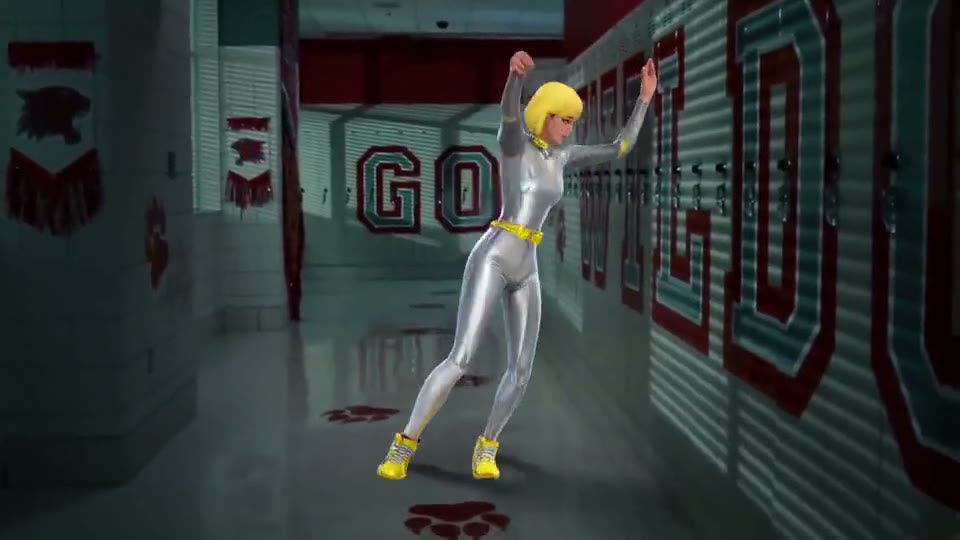
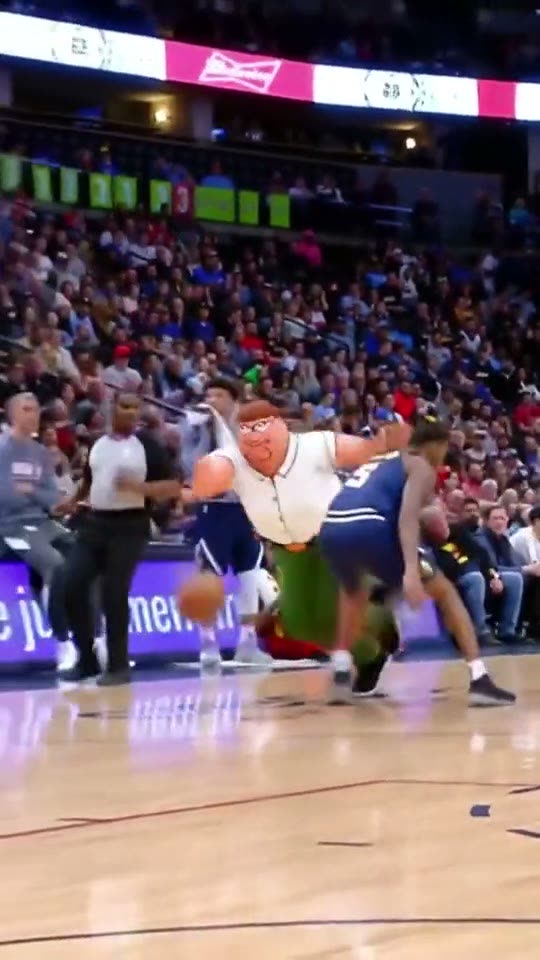
MOTION TRANSFER IN ACTION
See how stylized 3D and animated characters follow real choreography, footwork, and camera movement.
DEEP DIVE · VIDEO-TO-CHARACTER ANIMATION
AI motion transfer (also called video-to-character animation) uses a real recorded video to drive a still character photo. Instead of trying to describe choreography in a text prompt, you show the exact movement frame by frame.
Text-to-video generators are great for abstract B-roll, but they struggle when you need a character to hit specific musical beats, execute recognizable dance steps, or match subtle comedic timing. Even a 100-word prompt cannot specify exact foot placement, hand gestures, or when a performer turns toward the lens.
With AI motion transfer, your reference video supplies the timing automatically. It follows the performer’s posture, limb movement, weight shifts, and camera motion from your source clip, then renders your character performing that same sequence in the scene. The movement looks natural because it comes from a real camera take.
Traditional motion capture extracts a 2D or 3D stick-figure skeleton (like OpenPose or DWPose) and drives a rigged 3D avatar or a ControlNet diffusion stack. While useful in game engines, skeleton-only pipelines frequently lose secondary motion—natural fabric drape, shoulder tension, subtle head tilts, and believable lighting interaction with the surrounding room.
Modern end-to-end video motion transfer preserves scene context alongside body movement. Rather than stripping your clip down to a stick figure on a green screen, the workflow keeps the environment, camera perspective, and original audio synchronized while replacing the performer with your target character. That eliminates green-screen compositing, rotoscoping, and audio re-syncing in external editors.
Results depend heavily on how clear your source clip and character photo are. Evenly lit footage with good contrast makes arms, legs, and hands easy to track on every frame, which cuts down on hand glitches, foot sliding, and outfit flicker.
Before clicking Generate, review your trimmed window using the local preview player. If the performer turns completely away from the camera for several seconds or gets blocked by foreground props, shift the trim start point to a cleaner section of the take. Keeping a clean source clip in Saved Clips lets you run multiple character variations reliably.
Short-form creators use this workflow to turn a single well-lit studio recording into an entire series of character reels. Film a 10-second dance hook or reaction once, then reuse that saved clip with different outfits, stylized personas, or brand mascots without setting up lights again.
Indie marketers, musicians, and meme creators also rely on motion transfer to prototype music video visuals and social hooks in minutes. Because credit packs start at $6.99 with no recurring subscription required and no watermark, you can run a quick test before rendering your final HD cut.
Related guides: replace a person in a video with AI · MiniMax H3 character swap vs. ComfyUI
| Feature | AI Character Swap (Motion Transfer) | 3D Mocap & Rigging | Local ComfyUI / ControlNet |
|---|---|---|---|
| Workflow type | Browser-based AI Motion Transfer | 3D Mocap + Blender / Unreal | Local ComfyUI + ControlNet / Wan |
| Requires 3D rig or green screen | No — uses any real video clip | Yes — rigged mesh + retargeting | No, but needs pose preprocessors |
| Setup & learning curve | Under 60 seconds, zero code | Days to weeks of 3D setup | Hours of VRAM & node debugging |
| Original audio sync | Merged automatically into MP4 | Manual timeline sync | Manual FFmpeg merge |
| Two-person motion transfer | Built-in Left + Right slots | Complex dual-actor tracking | Fragile multi-mask pipelines |
| Best for | Fast social clips, dance, memes & IP | AAA games & full CGI films | Technical R&D with local 24GB+ GPU |
MOTION TRANSFER FAQ
Both tools use the same full-body video model, built for two different use cases. AI Character Swap focuses on replacing a person inside an existing scene, while AI Motion Transfer focuses on using a reference video’s choreography and gestures to animate a character photo.
Not at all. Any well-lit MP4, MOV, or WebM video filmed on a smartphone or camera works as the source video. Just trim a clean section in your browser.
Yes, provided the reference image has clear human-like proportions, visible facial features, and clean lighting. Extremely abstract non-human shapes may vary more from frame to frame.
Yes. Select Two People during video preparation and upload one character photo for the left performer and one for the right performer. Keep both performers on their respective sides without crossing over.
Steady front-facing or three-quarter shots with a single continuous take transfer best. Clear limb contrast against the background keeps hand gestures and footwork sharp, whereas rapid 360-degree spins, hard jump cuts, or foreground obstructions can introduce flicker.
Yes. Camera pans, zooms, and choreography rhythm carry directly from your reference clip into the rendered animation, and the original soundtrack is merged back into the finished MP4 so dance steps stay locked to the beat.
ANIMATE ANY CHARACTER IN MINUTES
Upload a short source video and a clear reference image. Preview locally and download a watermark-free MP4 with original audio.
Upload source video